
November 15, 2024•3 min read
Why Pixel Art is Making a Huge Comeback in 2024
From indie games to modern web design, pixel art is no longer just a nostalgic aesthetic — it is a legitimate art form.
Read MoreThe ultimate studio for pixel art enthusiasts and Perler bead crafters. Turn photos into patterns, design with AI, and export PDF guides instantly.


Trusted by 10,000+ creators
Whether you are a professional pixel artist or a hobbyist beader, PixCraft provides the professional toolset wrapped in a beautiful interface.
Intuitive drawing tools designed specifically for pixel artists. Layer support, symmetry drawing, and custom grid sizes.
Import palettes from Lospec or generate them from images. Automatically matches colors to real-world bead brands.
Convert any photo into a bead-ready template. Adjust complexity, dithering, and size with instant preview.
Export patterns with symbol overlays and color counts. Perfect for placing under pegboards.
Complex designs made easy. Stack layers to separate outlines, shading, and background details.
Publish your designs to the community gallery and remix works from other creators.
Stuck for ideas? Describe what you want, and watch our AI-powered engine build a bead-ready pattern in seconds.
We are fine-tuning the AI models to ensure perfect bead color matching.
Explore the possibilities created with PixCraft styles.
by @retro_plumber
by @alchemist_guild
by @hero_quest
by @zelda_fan
by @arcade_king
by @dungeon_master
Tutorials, updates, and inspiration for your next pixel art project.
From indie games to modern web design, pixel art is no longer just a nostalgic aesthetic — it is a legitimate art form.
Read More
Everything you need to know about fuse beads, pegboards, and ironing techniques to create your first physical pixel art masterpiece.
Read More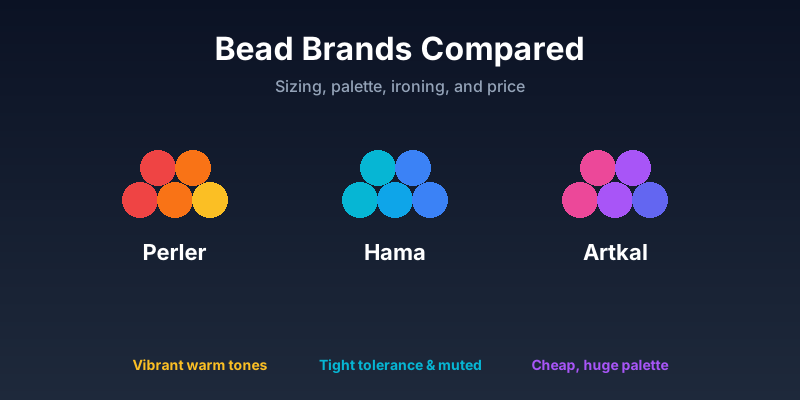
Bead size, color accuracy, ironing temperature, and price-per-bead — a side-by-side comparison of the three most common fuse-bead brands.
Read More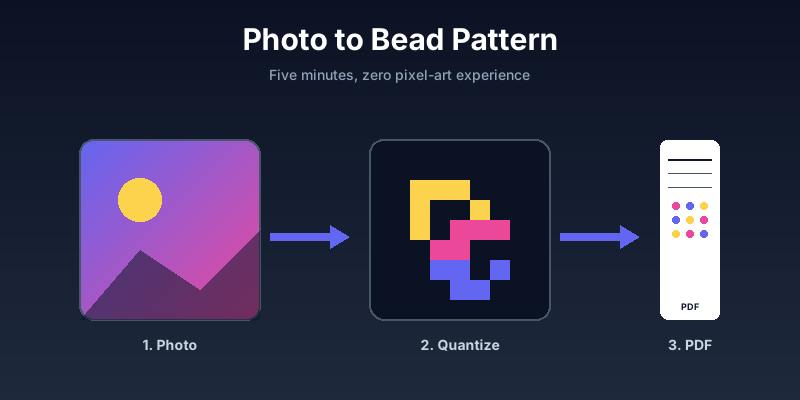
A step-by-step walkthrough: pick a photo, quantize it to a bead palette, fix the tricky pixels by hand, and export a printable PDF guide.
Read More